Insights / Claude Opus 4.7: What It Means for Founders
Claude Opus 4.7: What It Means for Founders
Most AI model release notes are written for people who read benchmarks recreationally (a perfectly valid hobby, if you've run out of other ways to spend a Sunday).

Alice B
If you're not a professional AI researcher, here's the version that matters: what Anthropic actually shipped in Claude Opus 4.7, why it's relevant to how you run your business, and what you should do differently starting now.
It’s what Anthropic actually shipped in Claude Opus 4.7, why it’s relevant to how you run your business, and what you should do differently - starting now.
Opus 4.7 launched ~2 weeks ago, with four meaningful upgrades and the same pricing as before. One of the builds is genuinely new in kind, and has already turned a few of my daily work processes on their heads.
Here’s the benchmarks, from someone who’d rather not eat benchmarks for breakfast.
What Changed in Claude Opus 4.7 (In Business Terms)
Before you can use something well, you need to know what it actually does. Skip the marketing language. Here's what changed:
1. It reads images and documents at 3x the resolution it could before.
Previous versions would miss text in screenshots, misread numbers in scanned tables, and struggle with anything that wasn't clean digital text. Not a minor edge case if your workflow involves screenshots, scanned accountant reports, or anything built inside a table. Opus 4.7 processes images at triple the resolution, which in practical terms is roughly equivalent to the model getting laser eye surgery mid-project. It squints less. It makes fewer errors on visual inputs.
2. It holds the thread on complex, multi-step tasks.
If you've used Claude for anything more involved than a single question, you've probably seen it lose track partway through. The model gets to step four and quietly forgets what step one said. Opus 4.7 is materially better at maintaining coherence across multi-step tasks from start to finish, which sounds incremental and isn't.
3. It checks its own work before responding.
The first two upgrades are improvements in degree. This one is different in kind. Previous AI models would complete a task and hand it back with full confidence, whether that confidence was warranted or not. Opus 4.7 can verify its own outputs before they reach you. It's not infallible (nothing is), but it's less likely to return something confidently wrong.
4. It follows literal instructions more reliably.
If you specify constraints ("only pull data from 2024 onwards," "write exactly four sections," "don't include pricing in this draft"), it's significantly better at honoring them rather than treating them as loose suggestions. Thank god, quite frankly.
The One That Actually Changes How You Should Use It
The self-verification upgrade is the one worth thinking about.
Until now, the correct mental model for working with an AI was: generate, then verify. You'd use the model to draft something, then read it carefully and catch errors yourself. The model was the first draft machine. You were the quality control.
Opus 4.7 adds a layer to that loop on the model's side. It's not a replacement for your judgment. But it is a genuine additional review step before the output lands with you. Combined with improved instruction-following, the result is a model you can give more rope without it hanging itself.
The practical implication: you can move from one-off questions to proper briefs.
How to Brief Claude Opus 4.7 for Complex Business Work (or busywork)
Most people underuse AI models because they treat them like a search engine: type a question, get an answer. Repeat. That's fine for simple tasks, but it's not how you get real work done.
With Opus 4.7, the better approach is to write an actual brief, the same way you'd brief a capable contractor. Here's the structure that works:
1. Set the context. Tell it who you are, what your business does, and who you're trying to reach. Be specific. "B2B SaaS tool for dev teams at Series A companies" is useful. "Technology startup" is not.
2. State what you need, precisely. Name the deliverable. If you want a competitive analysis, say so. If you want a draft email to reactivate churned users, say so. Ambiguity at this stage is where most outputs go wrong.
3. Specify your constraints explicitly. Word count, format, data sources, tone, what to exclude. Opus 4.7 will actually follow these. Use them.
4. Tell it what good looks like. If you have a reference, share it. If you have a prior version, include it and name what you want changed. The model can't read your mind. It can read your examples.
5. Ask it to flag uncertainty. Add a line like: "If you're making assumptions to fill gaps in my brief, tell me what they are." This activates the self-verification behavior deliberately and makes it explicit rather than invisible.
Practical use cases where Opus 4.7 is meaningfully better
Running specialist agents that hand work between each other
The clearest upgrade shows up when you're running multi-agent tasks with genuinely distinct phases: someone briefs, someone builds, someone reviews, someone ships. In previous versions, scope boundaries collapsed fast. "Only review the code, not the copy" would hold for two turns before the reviewer drifted into rewriting headlines. "Don't build yet, just brief" would collapse within three exchanges.
Opus 4.7 stays inside the scope you've set. Each agent keeps its lane. The handoffs work because each agent verifies its output against the brief before passing it on, and you end up with four specialists running one job rather than one generalist running four jobs badly. Worth doing only when the task has genuinely distinct phases, because otherwise the handoffs add more friction than they remove. When it does, this is the pattern that changed most meaningfully with 4.7.
Research and comparison work
A competitive landscape across eight vendors, pricing tiers, feature gaps, and positioning language pulled from public sources is exactly the kind of task that's always theoretically possible with AI and practically annoying to actually complete. Previous versions would start well and degrade by vendor five.
With Opus 4.7, you give it the full brief, the list of companies, and the specific dimensions to compare. It holds the structure. You get something you can actually use, not something you have to rebuild.
Working with scanned or photographed documents
You need to pull data from your accountant's report to build a cash flow model. The document is a scan. Column headers are small. Previous models would misread the figures. The 3x resolution improvement means Opus 4.7 reads the scanned table accurately enough to do real work with it. Photograph the document, paste it in, brief it on what you need extracted. Check the output, but expect it to be right.
Drafting with real constraints
Writing a fundraise update to existing investors with specific constraints: no forward-looking projections, the three core metrics only, under 400 words, a single clear ask at the end. Those are real constraints and previous models would honor two of four. Opus 4.7 follows all of them. The literal instruction-following isn't a minor improvement; it's the difference between a draft you can send and something you have to rebuild from scratch.
Synthesizing customer research at volume
You have 15 interview transcripts, a stack of support tickets, and the churn reason text from Stripe. The task is finding the three or four objections that keep showing up, not just the ones the loudest customer raised. Previous models would hold coherence for five or six transcripts, then start conflating feedback by transcript eight.
Opus 4.7 holds the thread across the whole set. Tell it to tag each finding with its source and a confidence flag, and ask it to highlight where a pattern is thin. What comes back names what's actually repeating, what's a single loud voice, and where the data doesn't support a strong claim. The confidence flag is the part you couldn't reliably get before, and it's what makes the synthesis usable.
Self-briefed analysis tasks
Ask Opus 4.7 to analyze something, then ask it to identify where it made assumptions. You'll see the verification behavior activate. It'll tell you what it doesn't know, what it inferred, and where the gaps are. That's information you can act on. It changes the model from a confident answer machine to something closer to a thinking partner.
What this doesn't change
Opus 4.7 is better - but it's not a different category of thing.
It still hallucinates. Self-verification reduces the frequency. It doesn't eliminate it. You still need to read the output.
It still doesn't know your business. Context you give it in the brief is context it has. Context you don't give it, it'll infer or invent. The brief is still your job.
It's not a substitute for commercial judgment. It can analyze pricing structures, but it can't decide what your market will bear. It can draft a sales sequence, but it can't tell you if the approach fits your motion.
Use it to do more of the work you'd otherwise hand to a junior contractor. Keep your hands on the decisions.
Where to start
If you've been using Claude for simple, single-question tasks, the upgrade gives you one concrete thing to try: write it a real brief instead of a question.
Take one task you'd normally spend two to three hours on and write it using the five-step structure above. Specify your context, your deliverable, your constraints, your benchmark for quality, and ask it to flag its assumptions. See what comes back.
The models are getting genuinely more capable. The bottleneck, as it turns out, has never been the model.
Frequently asked questions
Is Claude Opus 4.7 worth switching to if I'm already using an AI tool?
If you're doing any multi-step research, document analysis, or drafting with real constraints, yes. The self-verification and instruction-following improvements are practical, not theoretical.
Does the 3x image resolution matter if I mostly work with text?
Less so. If you never share screenshots, scans, or photos with the model, that specific improvement won't change your workflow. The reliability and instruction-following improvements still apply.
Can I use it to replace a junior hire?
For defined, repeatable tasks with a clear brief, it's a credible substitute for certain types of junior work. It can't hold a relationship, make a judgment call, or escalate intelligently. Know the line.
What's the pricing?
Same as the previous version. Anthropic didn't change the price tier with this release.
Keep reading
AI in Revenue Operations for SaaS: Where to Apply AI in Your Commercial Layer Without Wasting Time
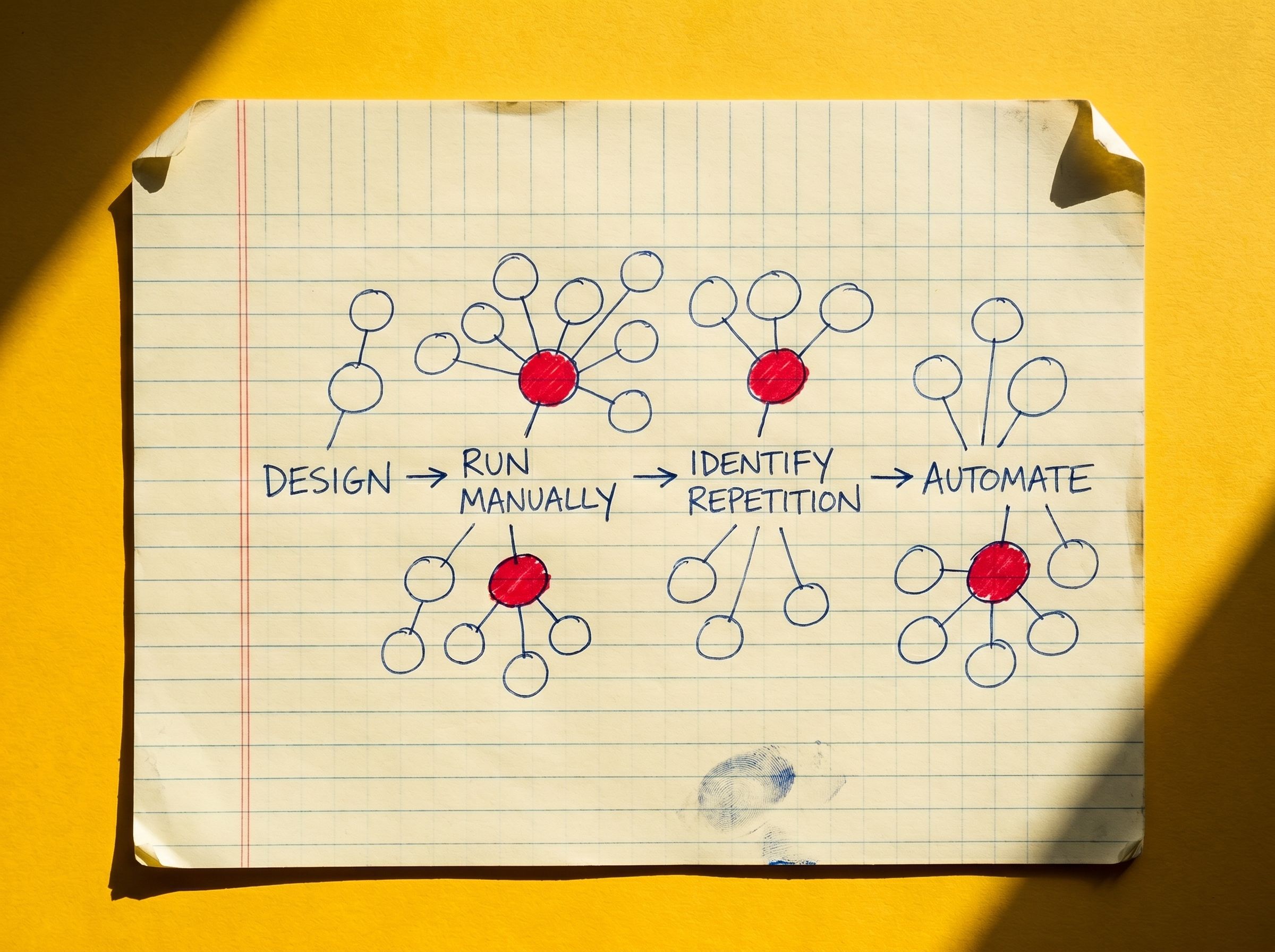
Apply AI to high-repetition, low-judgment commercial tasks only after the underlying process is understood.

Founder Burnout is a System, Not Episode
Founder burnout is caused by a missing commercial layer that routes every decision to you — fixing the system fixes the burnout.

You Don't Rank on Google, You Get Cited by Claude: Generative Engine Optimization
Write one specific, quotable page answering a real buyer question. Publish it anywhere crawlable. Check whether Claude cites you 48 hours later. Repeat weekly.